Do award-winning websites get the basics right? I measured twelve, and this is what I found
By Albert Garcia Pujadas · Published on .
When someone asks an AI agent to "make me a website like this one", they rarely point at just any site. They point at one they saw in an awards gallery, the kind that gets shared on Slack with a "look how nice this is". The agent copies what it sees: the typography, the gradients, the light grey on white, the login form with the hint text inside the field. If the reference has slips, the agent inherits them as faithfully as the style.
So I wanted to look at those references with different eyes. Not to say whether they're beautiful, which a jury has already decided, but to see what a mechanical check finds: one anyone can repeat tomorrow and get the same result. Contrast, headings, forms, what loads before you touch anything. Things you don't see in a gallery screenshot, but that someone notices when they open the site on a phone in bright sunlight or browse with a screen reader.
How I chose them and how I measured them
I started from the product websites that won Awwwards' "Site of the Day" in 2026, in three categories: SaaS, developer tools and AI. There were fifteen; I left out three crypto ones and kept twelve. I measured them with UXMachine on 18 October 2026, in a real browser and at two widths: 1280 pixels, like a laptop, and 390, like a phone. On each site we read up to 11 pages: the home page and the ones reachable from it.
UXMachine doesn't use any AI model to decide what's wrong. It applies a fixed, public list of checks, and every observation comes with the page, the width and the way to check it again. It also says what it couldn't check, and why. That last point, as you'll see, weighs a lot in this batch.
From twelve to six: what fell along the way
Half the sites didn't make it to a published case, and that's worth explaining before anything else:
- Two block our robot. Their anti-bot service responds with a 403. We don't get around it or pretend to be an ordinary browser: if a site doesn't want to be measured, it isn't.
- Two couldn't be captured within the maximum time we give each measurement.
- One doesn't declare its language in the code, and without that we don't publish the case.
- I set one aside because of a bug of ours. When it couldn't read the robots.txt of one of the site's subdomains, our report stored an internal sentence in a place that should only hold data from the site. We'll fix it; until then, that case stays out.
That leaves six, each with its full, public report: Cerebrium, Fourmula.ai, Made With GSAP, Shift5, Waabi and Zero. On each one we read between 1 and 11 pages, depending on what the site let us reach.
 Cerebrium · see the case
 Fourmula.ai · see the case
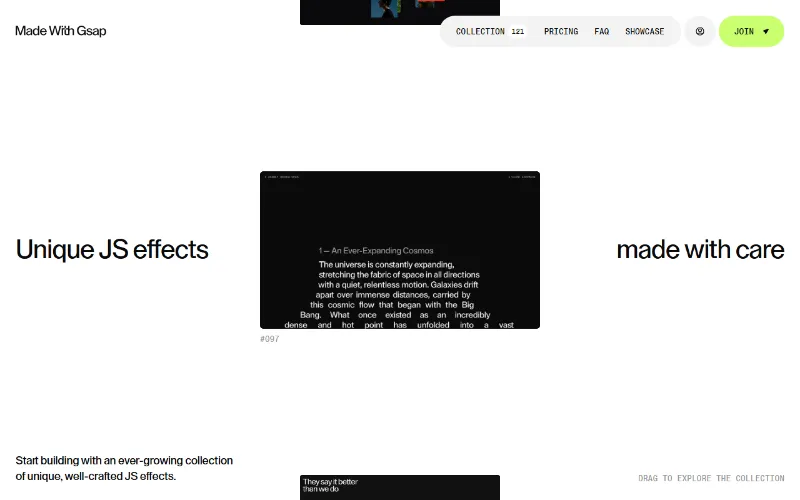 Made With GSAP · see the case
 Shift5 · see the case
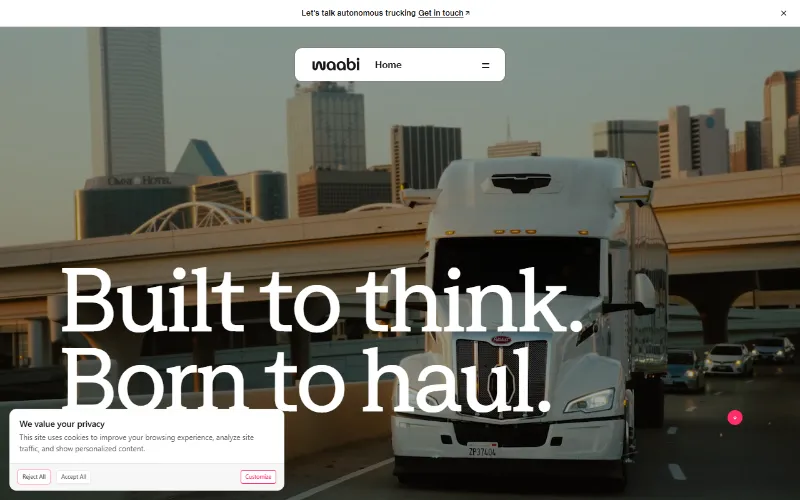 Waabi · see the case
 Zero · see the case
Contrast, the most repeated finding
On four of the six, there is text that barely stands out from its background. The reference is the WCAG accessibility guidelines: 4.5 to 1 for normal text and 3 to 1 for large text. We didn't set it.
These are the kind of cases that slip past a visual review, because on a good screen, up close, you can read them:
- On Made With GSAP, "See how the platform works:" is grey #999999 on white: 2.84 to 1. It appears on six of the nine pages we read.
- On Cerebrium, the "Powered by" in the footer is #a5a0a1 on white (2.57 to 1), and the hint text in the "Email address" field of its login page is 2.73 to 1. Cerebrium has low-contrast text on all eleven pages we read.
- On Waabi, article labels such as "Company news" are grey on beige at 3.12 to 1, and the dates at 3.2 to 1. We only observed it on desktop, not on mobile.
- On Fourmula.ai, the "Forgot password?" on its login is #686a6e on near-black: 3.48 to 1.
Almost none of this text is decorative. They are links, labels, dates, form hints: exactly what someone needs to read to find their way.
There's an important limit: we don't measure text on images or gradients, because the background color can't be worked out reliably. On sites as visual as these, some contrast simply doesn't make it into the count.
The home page is polished; the back door, less so
Four of the six have at least one page with no main heading (no h1). What's interesting is where:
- On Cerebrium, it's missing on the login page of its dashboard, not on the public site.
- On Fourmula.ai, the same: on the login page of its app.
- On Made With GSAP, on just one of the effect pages.
- On Zero, on the only page we could read, which is its home page.
The same goes for two other observations. Open Graph tags, which decide how a link looks when shared on WhatsApp or LinkedIn, are missing only on the login pages of Cerebrium and Fourmula.ai. And the login forms of both don't say which fields are required.
In this sample, the home page, which is what gets awarded and shared, is more polished than the pages around it. It's an observation on six sites, not a rule. But it's exactly the part an agent also builds when you ask for "a site like this one, with a login".
Forms and buttons you can't tell apart
Made With GSAP concentrates two observations that repeat page after page:
- On eight of its nine pages there are fields explained only by the hint text inside, with no label. That text disappears as soon as you start typing; if you get distracted halfway, you no longer know what went there.
- Also on eight of the nine, the first screen has links and buttons with the same background, the same text color and the same size. Visually there's no main action: whoever arrives has no cue to choose by.
One more detail: Zero asks the browser not to allow zooming on mobile (user-scalable=no and maximum-scale=1). Some browsers ignore that request and others respect it. For someone who needs to zoom in to read, it's the difference between being able to use the site or not.
What loads before you touch anything
On all six sites, as soon as the page opens, external domains have already been contacted, before any click. On Fourmula.ai, the home page calls 18, among them a Google advertising domain. On one of Cerebrium's pages it's 17. Google Analytics shows up in that first load on at least four of the six.
UXMachine reports this as an observation and makes no legal judgment: we don't know what consent sits behind each case or what each privacy policy says. But it's a fact many teams don't have in front of them: what their site does with every visit before asking anything.
Cookie notices, the big blind spot
This is the part that surprised me most. On Shift5, the cookie notice couldn't be closed on any of the ten pages we read, and the notice is part of the page itself. Of the 13 checks we publish, 8 went unmeasured; only the ones read from the page's code, such as the title or the meta description, came out. Its report has very little in it, not because the site is spotless, but because we couldn't see it. On Waabi, the notice appeared on mobile on all eleven pages and couldn't be closed either; on desktop we didn't detect it.
Counting each page and each group of checks separately, cookie notices left 63 unmeasured on sites where they covered every page, and another 6 on sites where they covered only some. In all those cases UXMachine doesn't say "it's fine". It says it couldn't check.
To me this is the most important part of the note. A report that only showed what was found would make Shift5 look like the cleanest of the six. That would be false. Not seeing a problem doesn't mean it doesn't exist: it means that, on the pages and in the state we could read, we didn't see it.
What this note doesn't show
- It isn't a ranking. It doesn't say which site is better or worse. These are six cases drawn from an awards gallery, not a representative sample of anything.
- It doesn't say these sites have bad UX. A design award and a mechanical check look at different things, and both have limits. Many of these sites are excellent at what the jury valued.
- It doesn't measure what happens after a click, fill in forms or enter password-protected areas.
- It doesn't say what they've fixed since. Each case describes the site as it was on 18 October 2026.
What I take from this
If you build with an AI agent and give it an award-winning site as a reference, three things:
- The agent will copy the light grey as precisely as the design. Ask it to check the contrast of what it generates, or check it yourself afterwards.
- Don't look only at the home page. In this batch, the slips were mostly on login and secondary pages, the ones that get reviewed least.
- Be wary of a clean report. If the cookie notice covers the page, any tool that doesn't tell you "I couldn't see it" is giving you a reassurance it doesn't have.
That's why I built UXMachine: so that after every change, the agent or you can measure the same thing again and see what appeared, what's still there and what couldn't be checked.
Data and sources
- Population: product websites with an Awwwards "Site of the Day" in 2026, categories SaaS, developer tools and AI, crypto excluded (15 → 12). 12 websites measured on 18-10-2026; 6 cases published.
- Exclusions: 2 blocked our robot (403), 2 hit the maximum capture time, 1 doesn't declare its language and 1 was set aside because of a UXMachine bug.
- Count per rule across the 6 cases:
- low contrast, 4;
- no h1, 4;
- no Open Graph, 2;
- zoom blocked, 1;
- field without a label, 1.
- Abstentions due to cookie notices, counted per page and group of checks: 63 where the notice covered every page and 6 where it covered only some.
- Contrast values and external domains come from the linked reports, which can be read in full.
- Contrast guidelines: WCAG 2.2, success criterion 1.4.3.